Skip to content

KLOCKNER AUTOMATE × MICROLAY IVY

Dental manufacturing,
within your practice’s reach.

From scan to printing in your practice. Request AI design and prepare your cases without buying design licences or mastering multiple programs.

Less technical learning. More time for your patients.

MICROLAY IVYDENTAL MANUFACTURING IN YOUR PRACTICE

02 / ONE CASE, STEP BY STEP

Take a splint from scan to print.

Start with the patient scans and choose how to continue. Explore both workflows in this illustrated splint example.

You decide how much to automate

You review the design and the preparation before printing: four steps, two of them with your approval.

Arch model obtained from the patient scan
3D visualisation from real, anonymised CAD designs. It does not show a specific treatment.
The platform
Organises the files and the request within the case.
In your practice
You add the patient scans.

In both modes, prepare the printer and complete washing, curing, finishing and the final check of the piece.

PATIENT AND CASE TRACEABILITY

Every case, from start to finish.

Scans, design and preparation stay linked to the patient and case. Follow the job status through to sending it for printing.

Illustrative diagram · Patient DEMO-001 · Case DEMO-001-F

  1. Patient
  2. Case
  3. Scans
  4. Design
  5. Preparation
  6. Printing
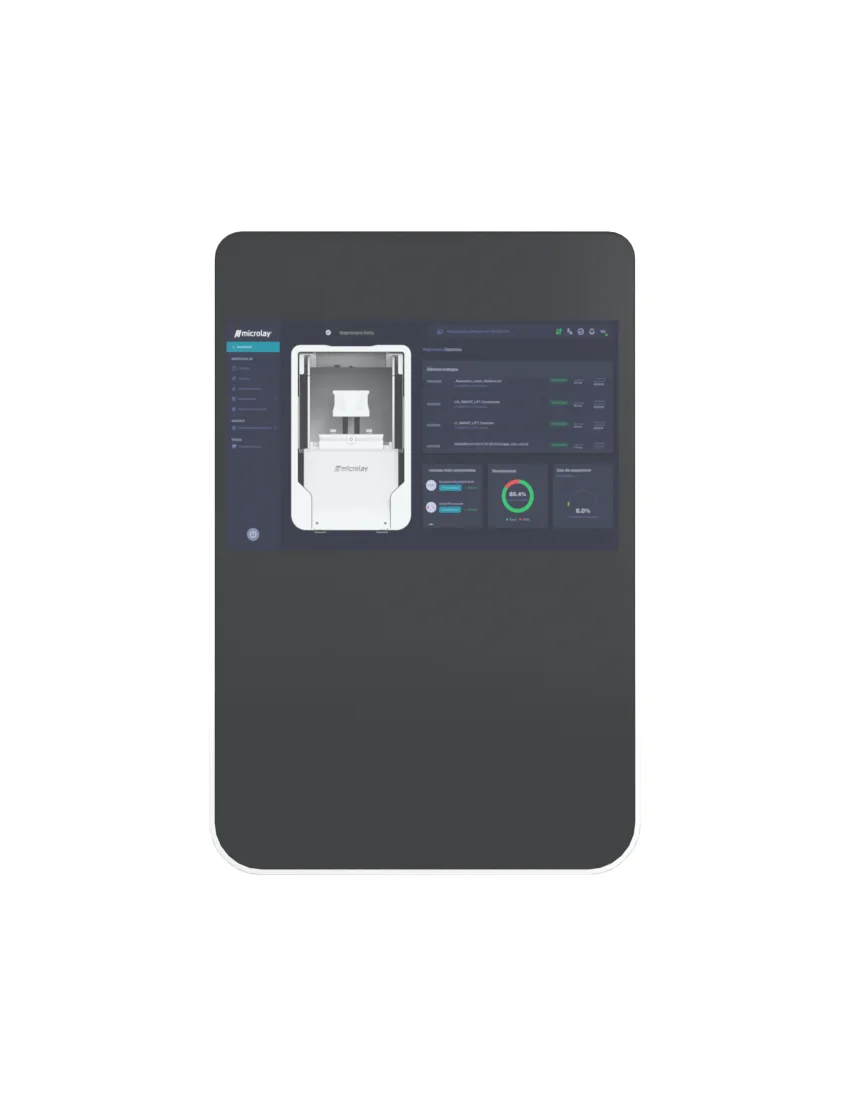
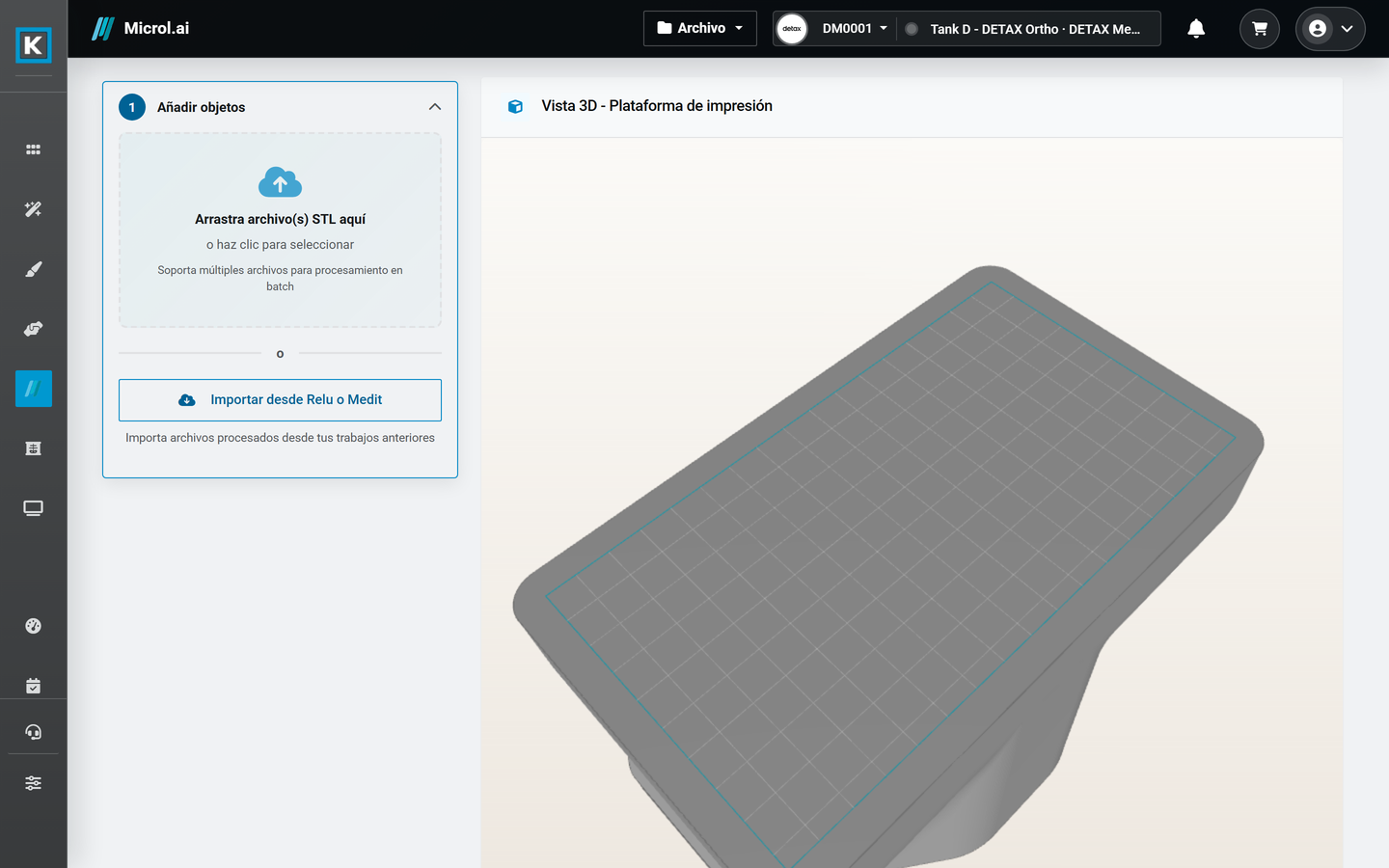
Klockner Automate print preparation interface
Actual interface with demonstration data. General preparation view, separate from the illustrated example. Enlarge screenshot ↗

03 / APPLICATIONS

What your cases need. Made in your practice.

Start with what you want to make: a model, splint, guide or restoration. The platform brings design and preparation together to get it ready for printing.

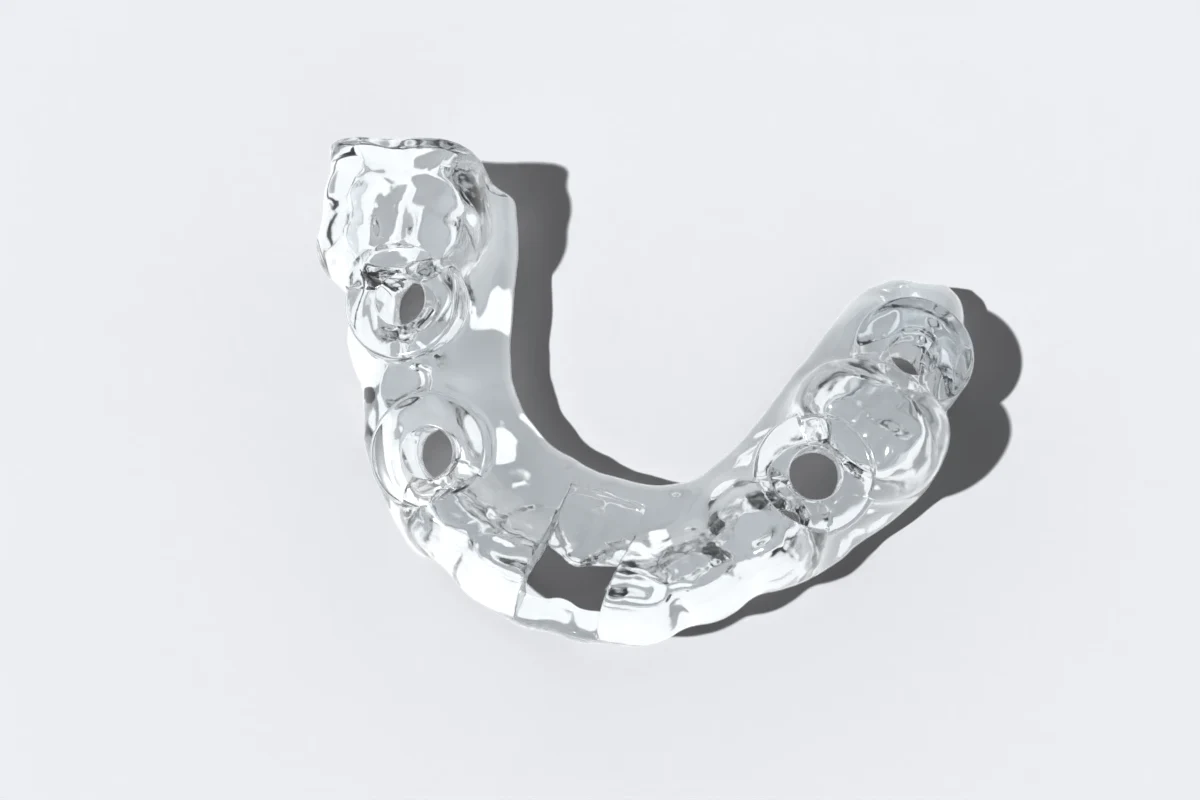
Surgical guide in clear resin, with the drill openings
3D visualisation from real, anonymised CAD designs. It does not show a specific treatment.

GUIDED SURGERY

From planning to a guide in your practice.

Patient scans and CBCT, planning, guide design and manufacturing. A workflow you can manage through Klockner Automate.

  1. 01

    Provide scans and CBCT

    Gather the information required by the planning service.

  2. 02

    Review the proposal

    Validate the plan and proceed to guide design.

  3. 03

    Send the guide to print

    Prepare the job for Microlay Ivy and complete material finishing.
Explore guided surgery in a demo
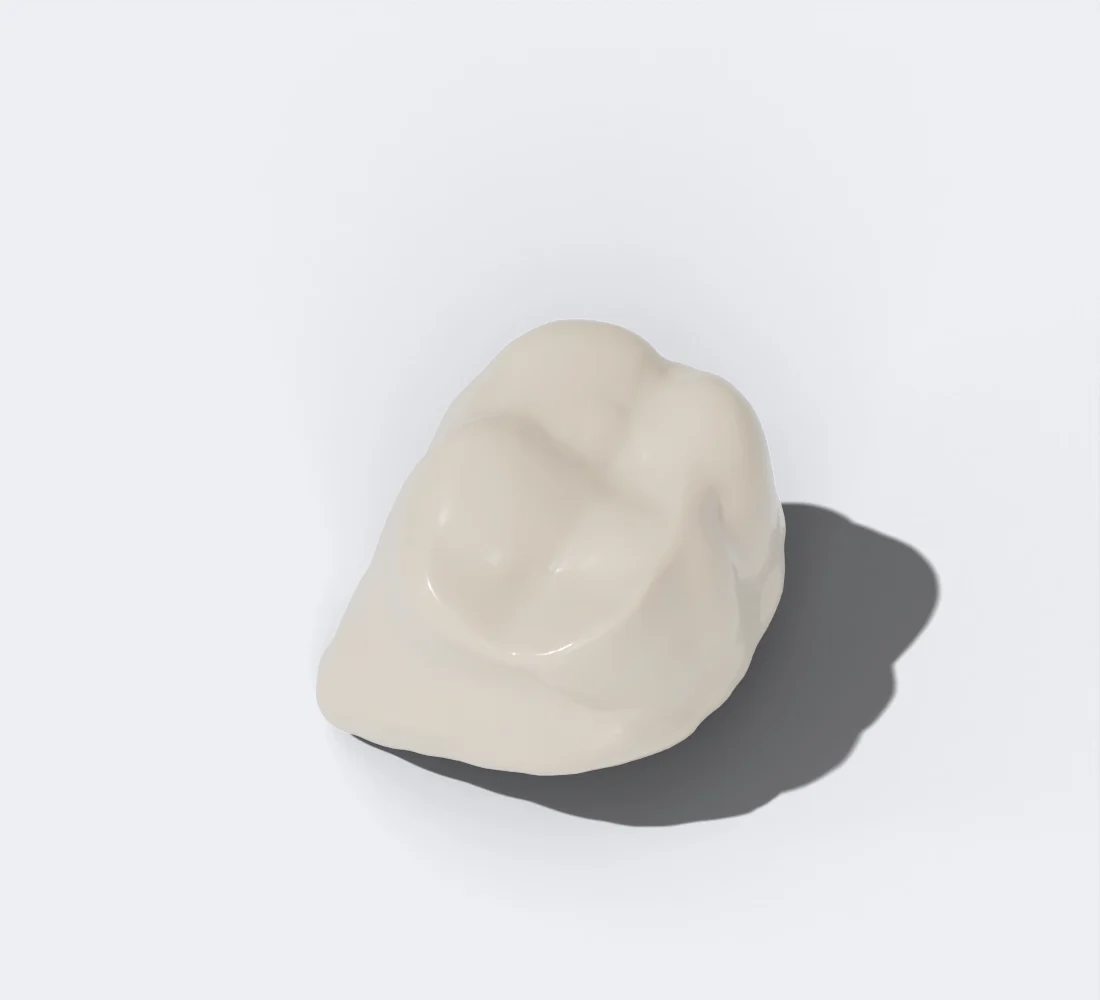
Tooth-coloured resin reference molar crown on a white background
Reference crown from the CAD library, rendered with a dental resin material. A visualisation, not a printed part.
01

Dental models

Turn your case files into physical working models.

02

Splints and guides

Request an available design service or provide your own design and prepare the part for printing.

03

Restorations

Make crowns and bridges from your designs, with the appropriate material for each indication.

Available design services and materials vary by application. We review what you want to make during the demo.

04 / MICROLAY IVY

From your screen to your practice.

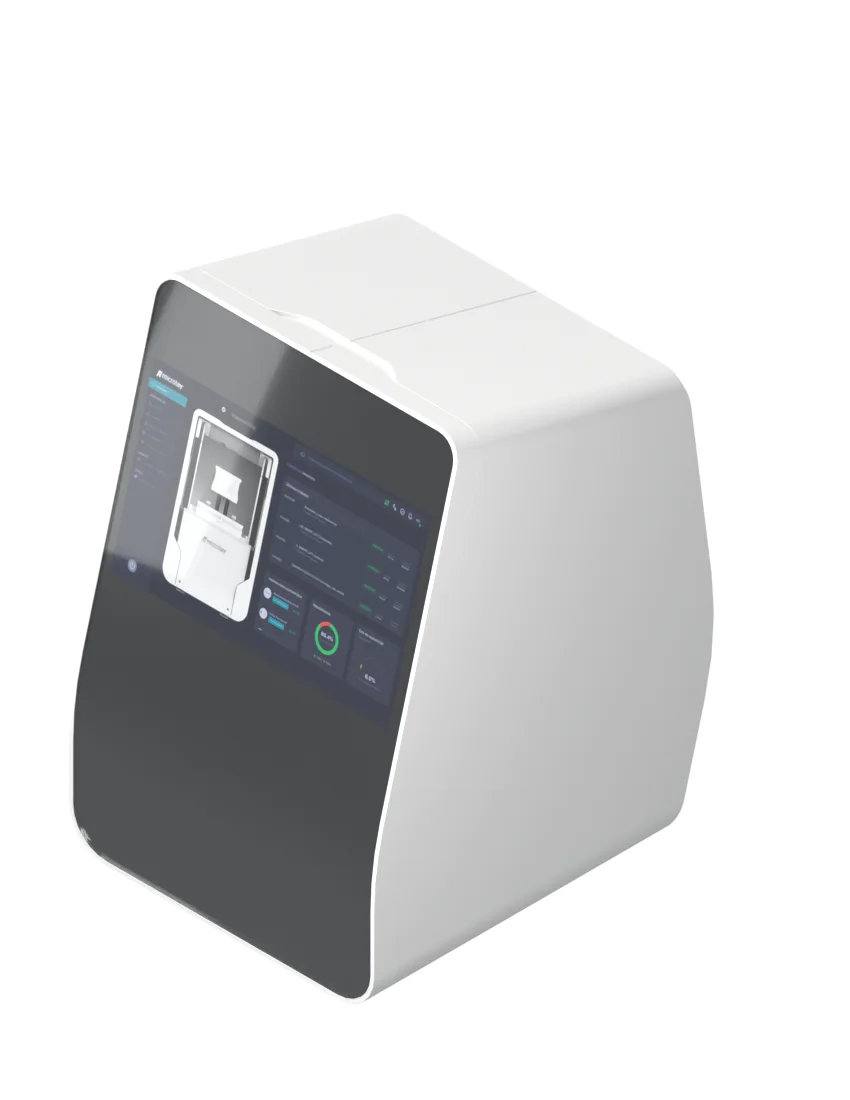
Microlay Ivy turns your designs into printed parts. Klockner Automate prepares the job and sends it to the printer.

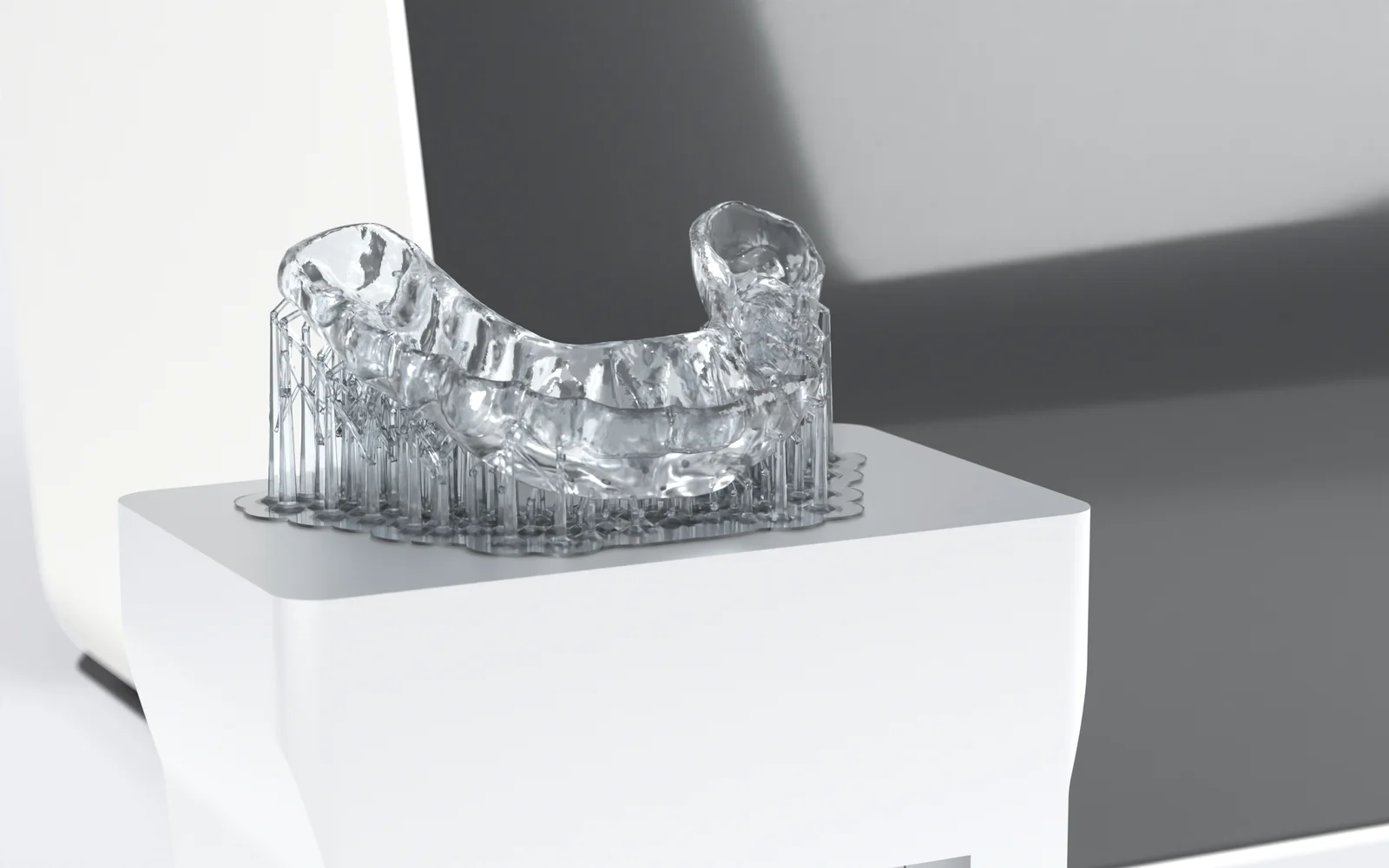
Microlay Ivy with its build platform and a clear splint with its supports

PRINTING

Ready for finishing.

Next come washing, curing and finishing the part.

Simulation. On Microlay Ivy the part prints upside down, hanging from the build platform.

Ivy in your practice

Designed for the practice.

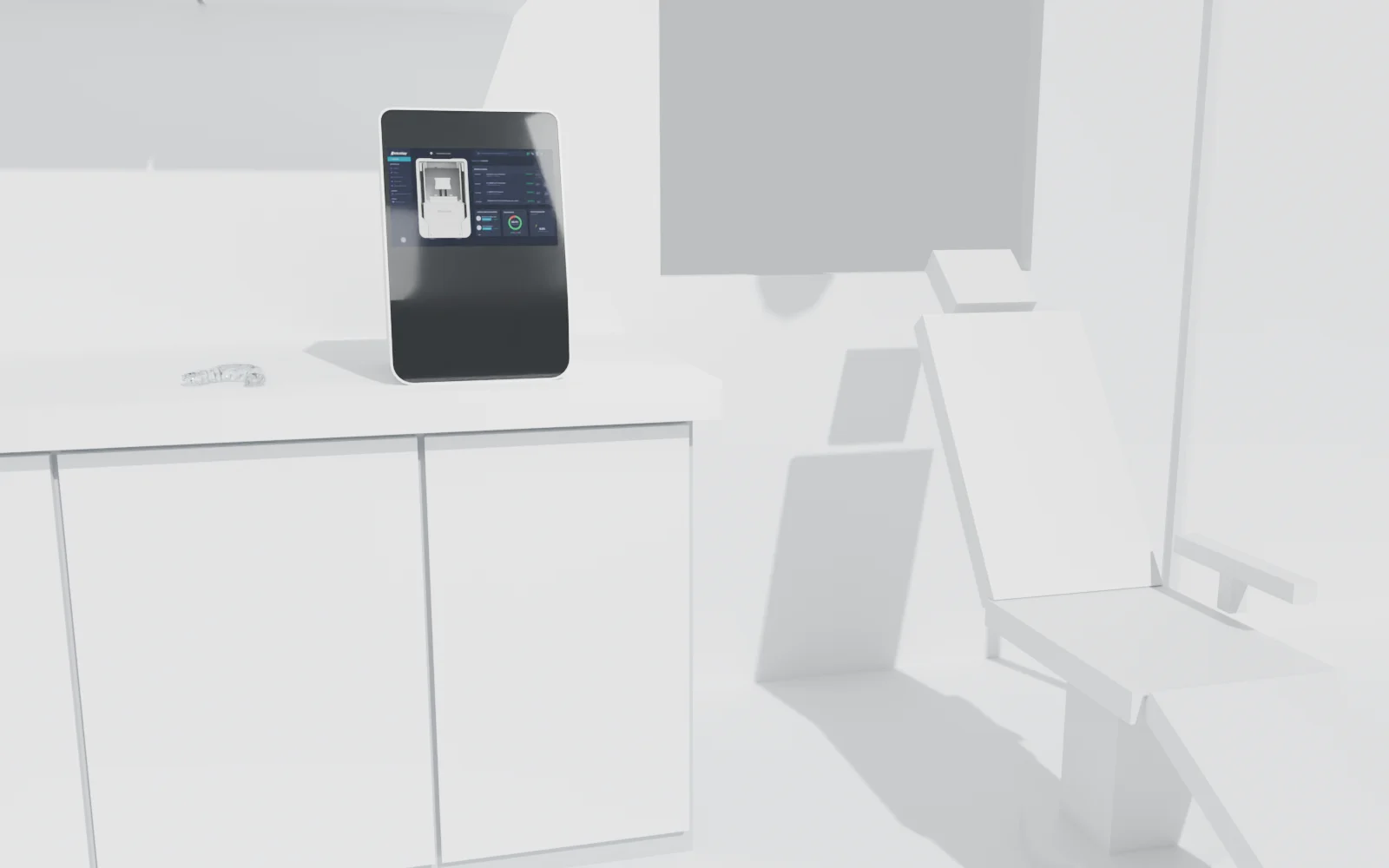
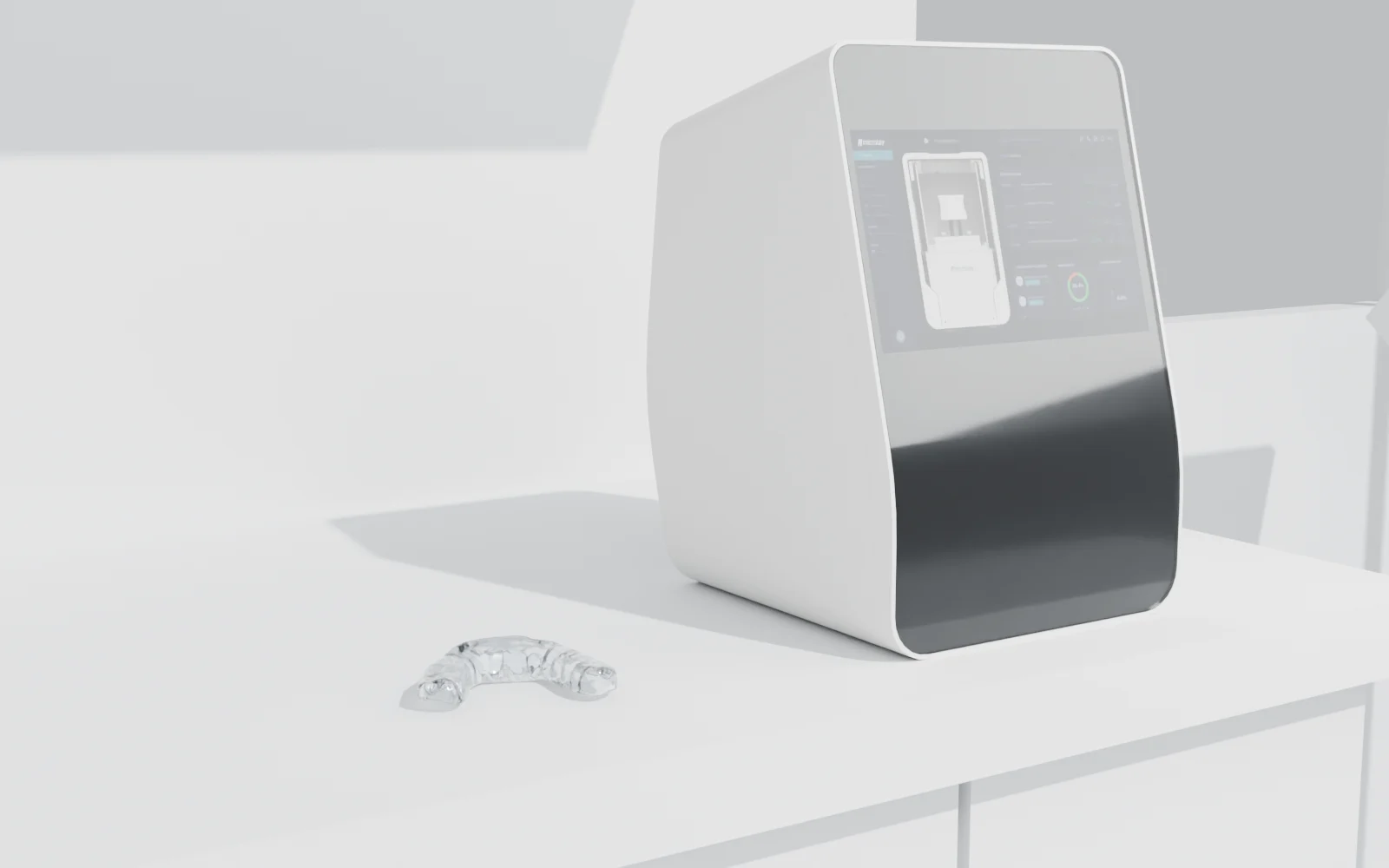
Designed to work next to the surgery: on a counter, close to where you see your patients.

Microlay Ivy on the counter of a white practice, next to a dental chair
Microlay Ivy on the counter, with a freshly finished clear splint beside it
3D scenes generated with the Microlay Ivy model. The splint comes from a real, anonymised design.
MICROLAY IVYProduct views
Complete Microlay Ivy printer, orthographic front view01 / Front
Complete Microlay Ivy printer, orthographic isometric view02 / Isometric

YOUR PRACTICE’S PRINTER

Printing can be simple too.

Receive the job on Microlay Ivy and follow the print on its screen. With design and preparation taken care of, the next step happens in your practice.

Connected jobs
Send the part from its case without reorganising the files.
On-screen control
Check the job and print status on the printer itself.
Material and profile
Select the material and its print profile for each application.
See how Ivy fits my practice ↓

05 / DESIGN AS A SERVICE

Request the design you need.

Order services per case without buying a design software licence. Check the price before placing your order.

Your scanner, your design options

Klockner distributes Medit and iTero intraoral scanners and exocad design software. Start with scans or an existing design; we review the available file formats and connections with you.

Design per case

Choose from the services available for your application. AI design is provided through Relu.ai, an external provider integrated into Klockner Automate.

A clear setup

Equipment, materials and services have their own costs. During the demo, we review what you need and the terms for your practice.

06 / CONFIDENCE

Fewer technical tasks. Clinical judgement stays with you.

Choose to review each design or enable an automatic preset. You decide the workflow for each case, with help to get started.

Privacy policy ↗

FAQ

Before you start.

Do I need to learn 3D design?
You do not need to design from scratch. Request AI design from the case files and choose to review it or continue with your automatic preset. You can also provide existing designs.
Do I need 3D printing courses?
You do not need to become an expert in orientation and supports: the platform automates that preparation. You do need to understand printer operation and the washing, curing and finishing required by your materials. We help you review that setup.
Do I need to buy design software licences?
Not to request the available designs as a service: you order them per case. Equipment, materials and services have their own costs; we explain the terms for your setup during the demo.
How do my scanner and design software fit in?
Start with your scanner files or provide an existing design. Klockner distributes Medit and iTero scanners and exocad software. Medit Link is Medit’s platform with access to design apps; it is not required to request our services.
What do I need to manufacture in my practice?
For the integrated workflow, you need case files, a Microlay Ivy, suitable material and the relevant washing and curing equipment. We review the setup with you for the parts you want to make.
How long does a finished case take?
It depends on the design, part and material. Alongside printing, allow time for review, washing, curing and finishing. We walk through your application during the demo.
How is my patients’ information organised?
Each case brings its files together in the patient record, accessible through your account. The privacy policy explains how data is processed.

07 / YOUR DEMO

Discover what you can make in your practice.

Tell us what you want to make and which equipment you use. We show you the workflow and answer your questions about getting started and costs.

Add details (optional)